Part 4: Deployment on GitHub

As the ending part of the series about publishing a blog on GitHub, we’ll explore how to set up GitHub for publishing our blog and new content as soon as it’s available.
GitHub Actions Workflow #
Create .github/workflows/deploy.yml:
name: Deploy Blog

on:
  push:
    branches: [main]
  workflow_dispatch:

permissions:
  contents: read
  pages: write
  id-token: write

concurrency:
  group: pages
  cancel-in-progress: false

jobs:
  build:
    runs-on: ubuntu-latest
    steps:
      - uses: actions/checkout@v6
        with:
          fetch-depth: 0          # full history for .Lastmod

      - uses: actions/setup-go@v6
        with:
          go-version: "stable"    # required for Hugo Modules

      - name: Setup Hugo (Extended)
        uses: peaceiris/actions-hugo@v3.2.1
        with:
          hugo-version: latest
          extended: true          # Congo uses SCSS

      - name: Build
        run: hugo --minify --baseURL "https://chrisvoo.github.io/" --buildFuture

      - uses: actions/upload-pages-artifact@v5
        with:
          path: public

  deploy:
    needs: build
    runs-on: ubuntu-latest
    environment:
      name: github-pages
      url: ${{ steps.deployment.outputs.page_url }}
    steps:
      - uses: actions/deploy-pages@v5
        id: deployment
You may have noticed we run Hugo with --buildFuture: this may be something you don’t want, since it also considers posts in the future. Since I’m not interested in scheduling content, I bumped into an issue about timezones that leads posts with the current date to be considered in the future remotely.
Enable GitHub Pages #
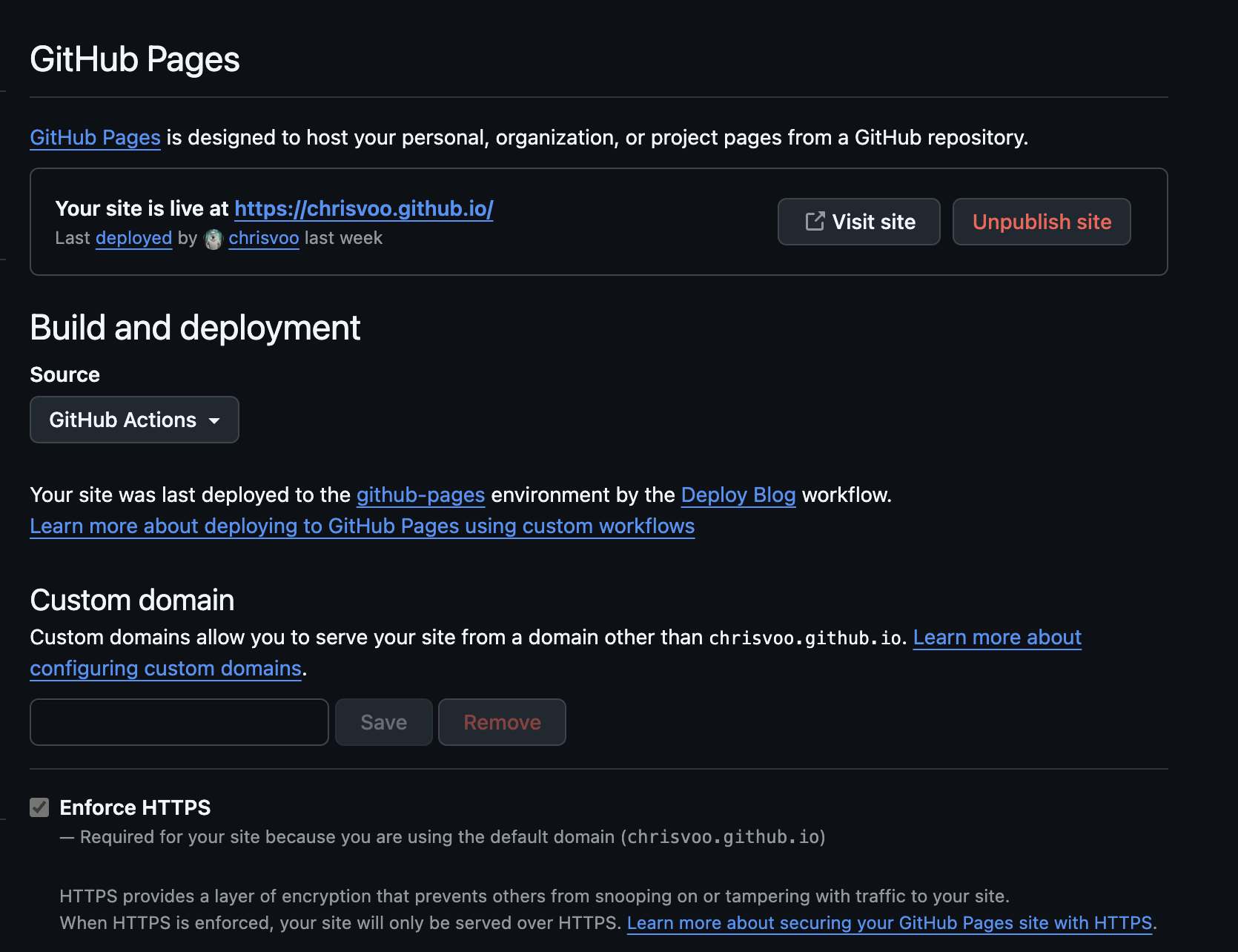
You just need to go to your blog repo and then Settings → Pages → Source: GitHub Actions.
Conclusion #
You should now have all the basic information for publishing your content on GitHub Pages. Of course, you can also use this information (especially in this last post) for publishing other projects not related to a blog. Enjoy!